Recent posts


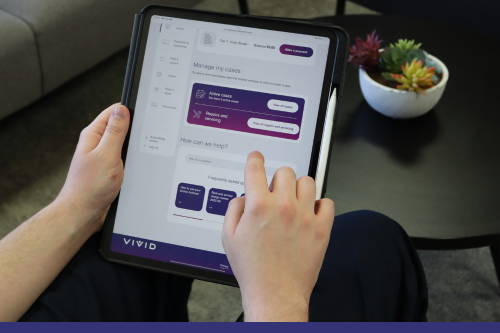
As part of our ongoing work to improve your online account, we’re updating our password guidelines and how often passwords expire to help keep your account more secure.
These new password criteria are:
Not sure what this looks like in practice? When you create a new password, you’ll see which requirements you’ve met as you go.
As well as the increased security on your password, you will now be prompted to change your password every 90 days. You’ll receive a reminder every time you login counting down from 10 days. If your password does expire before you get a chance to change it, you’ll need to reset it before you can log in again.
What if I’ve had my password for more than 90 days?
You will be prompted to create a new password next time you login. This new password will need to meet the new guidelines.
Why does my password need to be reset after 90 days?
Changing passwords often can increase your security. It also reduces the risk of using the same password on multiple websites.
What if my current password doesn’t meet the new guidelines?
You won’t need to change your password immediately, unless you’ve had it for more than 90 days. Your new password will need to meet the new guidelines.
What if my password already meets the new guidelines?
You won’t need to change your password, unless you’ve had it already for 90 days.
What if I want to change my password now?
Your password can be changed in the profile section of your online account.
Why change the criteria? Why choose these guidelines?
This was a choice actively made by us to help improve your online security and to help us follow guidelines meant to protect you. These guidelines will help ensure your password is as strong as it can be.
I’ve been asked to change my password but I’m not sure it’s genuine, what can I do?
If you’re ever unsure that something is genuine, please contact us directly. We can talk you through whatever is needed and check our records. It’s always better to think about a decision to make sure it’s the right one.
When I change my password how different should I make it?
We recommend a completely unique password every time you change it. You’ll not be able to reuse your last 4 passwords. Reusing passwords means a data breach for one login could affect many websites you use.